
Article: 50645
Box 20 SDI Error
Some CA W-2s incorrectly report SDI (state disability insurance) in Box 20 as a locality, instead of in Box 14. This creates e-file rejections or validation issues.
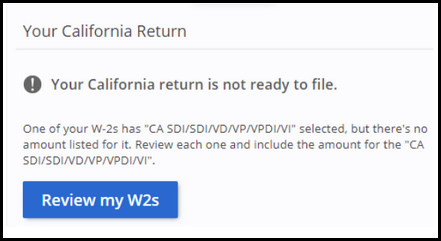
How to Fix This Error
- Go to Federal Taxes > Income > Wages (W-2).
- Open the affected W-2 entry.
- Scroll to the state and local section.
- Remove SDI from Box 20 and leave it blank.
- Make sure SDI is properly listed in Box 14 as CASDI or CA SDI.
- Save and continue.